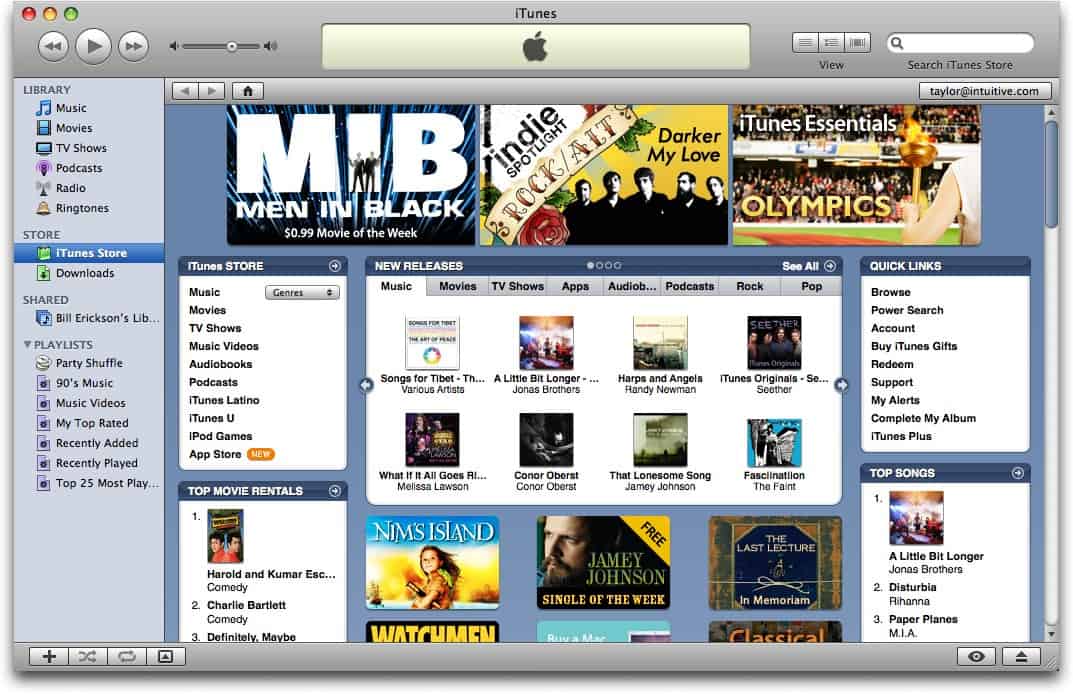
Whether you spend a good part of your computing time downloading torrents or just like to enjoy the occasional file you can’t get anywhere else, you’re gonna love to know that you can now engage in it right on your jailbroken iPod Touch.
What You Need
Apart from having your unit jailbroken, you’ll need to get the Cydia Installer on your iPod Touch. Cydia is basically an alternative to the Installer.app on your handset. We’ll probably do a more thorough feature on both installing and using Cydia if enough people need a primer on it.
Once you have Cydia in place, you’ll need to use it to download dTunes (which brings the Safari download plug-ins along with it) and Mobile Terminal.
Steps
1. Download files from Piratebay
Use Safari to surf Piratebay.org and download (yes, you can download now if the plug-ins installed correctly) the torrent files you want.
2. Run dTunes
Once downloading via Safari is done, open dTunes and click on the torrent file to get it running.
3. Start Downloading
Open Mobile Terminal and type command “./gettorrent”, minus the quotes to start the download. Speed is normally pretty good, depending of course, on your internet connection and the number of seeds.
4. Retrieve The Downloads
Once finished, the downloaded files will be in the root/var/mobile/Library/Downloads directory of your iPod Touch. You can do with them as you want.
The iPod Touch is basically an iPhone clone sans the cellular and SMS functions. Of course, the iPhone costs $100 more for the unit itself and requires an ongoing service to be used for that end.
While most everyone and their mothers likely has a cell phone and an accompanying service for it, it still would be pretty cool to take what is otherwise a PMP in the iPod Touch and use it to make phone calls. It isn’t that hard to do either.
You actually have two options if you want to utilize the Touch to make low-cost, budget-worthy calls.
1. Hack It
You can actually poke around your gadget yourself and tweak it to allow phone calls over wi-fi. All you’ll need is a jailbroken iPod Touch, a VoIP app and a pair headphones with mic. Make sure the mic works specifically for the Touch - iPhone’s headphones don’t.
Basically, you’ll need to install the app (Fring seems to be the most popular, ATM), set up an SIP or VOIP account (Skype, Freecall, any other service that is compatible with your app) for outbound calls and set up an inbound number via another web service (CallCentric, IPKall) so you can receive calls.
There is a more comprehensive (albeit older) guide on Lifehacker about how to do this.
2. Use TruPhone
TruPhone is a relatively new iPod Touch app available for free download on iTunes that allows users to make and receive calls over VoIP. It’s still pretty limited, though, with no support for Skype and MSN VoIP users, although the developers have announed those two services are in order. Also on the near horizon are outgoing calls to landlines. For the price of free, however, and a relatively easy setup, it’s a pretty easy sell.
5
Nov
Posted on 2008 under iPod Touch Help |
iPod, better known as a revolutionary device from Apple. With the launch of iPod, Apple captured the market with the record sales all around the world. iPod Shuffle, iPod Nano, iPod Classic, and iPod Touch are the various categories of iPod’s that have been launched by Apple till date. The difference in these lies in storage capacity, size as well as the size and the type of display it has. Apple’s iPods are the most popular devices in their category and every day new strategies and plans are thought to fetch more customers as well as help the existing ones with iPod Help Support. As iPods are made very compact with minimum keys so it’s complicated to work with them. So many new users always face problem with the working of iPods.
Looking at the popularity of iPods many web sites have dedicated themselves to provide iPod Help Support or iPod Touch Help and Support. From any software problems to hardware defects, these web sites cover nearly every aspect of problem that can be faced by a user. Apart from providing iPod Help Support, a user has the freedom to log onto these web sites and mention his / her problem, and within some time, the web sites help the user with their problem.
iPod Help Support also offers frequently asked questions (FAQ’s) which contain the questions and their solutions faced by the majority of users, few of the websites offering iPod Help Support are:
1. Official iPod Help and Support
2. iPod Tips and Help form About.Com
3. Tips and Tricks on iPod from EveryiPod.com
4. Gadgets and iPod Tips from MethodShop.Com.
5. iPod Touch Forum Support
So if you iPod and you are facing any kind of software or hardware problem, just log on to the above mentioned sites, look into the FAQ’s section, if you can’t find the answer then post your problem in the problem section and the web site will come up with an answer to your satisfaction.
Suggested Reading:
+ How to Reformat iPod?
+ HOW TO RESTART YOUR IPOD??
+ How to Restore iPod?